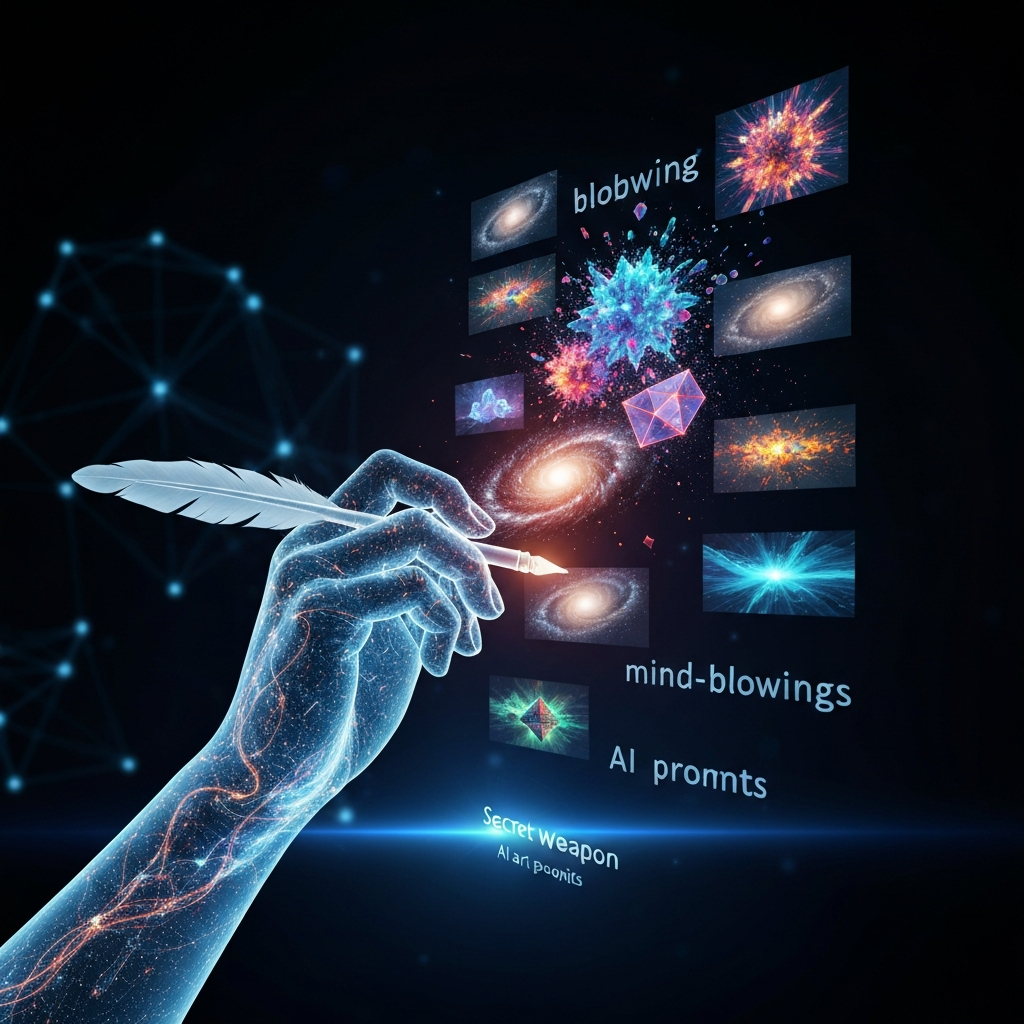
Nowadays, artificial intelligence lets us make amazing pictures just from text. This power has really grabbed creators and fans. The **AI image prompt** is key to this cool trick. It’s a short but mighty set of words that tells AI image tools what to make. Learning to write these prompts well isn’t just about being artistic; it’s a skill you can totally get better at. You’ll then create stunning, super specific AI art. This guide will show you how to master AI image generator prompts, turning your ideas into real digital art.
What’s an AI Image Prompt, Really?
Think of an AI image prompt as a text message you send to an AI art tool. You type a description or command, and then tools like DALL-E, Midjourney, or Stable Diffusion use it to make a picture. The clearer, more detailed, and well-structured your prompt is, the better and more accurate the image will be. So, if you want to get the most out of these cool tools, learning the ins and outs of text to image prompt guide principles is super important.
What Makes a Great AI Image Prompt?
A really good AI image prompt usually has a few main parts. These parts all work together to create the final art. When you break them down, you’ll better understand how to build strong prompts. We usually think of these parts as the subject, style, setting, how it’s framed, and other specific details. For example, the subject tells the AI what the main thing in the picture should be. The style tells it what kind of art look you want, like a painting or a certain art movement.
* **Subject:** This is the heart of your picture – who or what you’re showing. Being super specific here really matters. Don’t just say “a dog”; try “a golden retriever puppy.”
* **Style/Art Medium:** Telling the AI the art style (like “impressionistic painting,” “cyberpunk look,” “photorealistic,” or “pencil sketch”) changes the final image a lot.
* **Environment/Context:** Where is your subject? What’s happening around it? (Think “in a busy city market” or “on a quiet mountain at sunrise.”)
* **Lighting/Mood:** How bright is the scene? What feeling do you want? (“Strong, shadowy light,” “soft, warm glow,” or “spooky twilight.”)
* **Composition/Perspective:** How should the picture be taken? (“Wide shot,” “close-up portrait,” or “from way up high.”)
* **Color Palette:** You can even suggest specific colors (“bright neon colors” or “all sepia tones”).
Knowing how to structure your AI image prompts helps you succeed with prompt engineering AI art. When you carefully mix these elements, you’ll make truly special and exciting images.
How to Write AI Image Prompts That Really Work
Making prompts that consistently give you great pictures takes both creativity and smart planning. You can use several techniques to create AI images with prompts that truly impress.
Get Specific and Add Lots of Detail
Prompts that are too general often give you boring or plain results. Instead of just saying “a car,” try something much better like “a vintage red sports car, parked on a cobbled street in Paris, with soft morning light.” These kinds of details give the AI so much more information to work with. When people share tips for making realistic AI images, they often talk about how important these tiny details are.
Pick Your Adjectives and Adverbs Smartly
Descriptive words really help you show the AI what you want your subject and scene to be like. Words such as “majestic,” “futuristic,” or “ethereal,” and adverbs like “gently,” “rapidly,” or “vibrantly,” can totally change how the AI understands your request. This is a key part of what makes an AI image prompt truly powerful.
Play Around with Keywords and Similar Words
AI models ‘hear’ different words in different ways, each with its own meaning and strength. So, if your first prompt doesn’t give you what you want, try using similar words or changing your wording a bit. This often leads to a sudden success! This back-and-forth process is a big part of making your AI art prompts better.
Don’t Forget Negative Prompts
Lots of AI image generators let you use “negative prompts.” This is where you tell the AI what you *don’t* want in your picture (like “ugly, blurry, deformed”). This can be super helpful for making your AI images better, especially when you’re trying to fine-tune a picture.
Prompt Engineering AI Art: From Easy to Expert Tricks
Moving from simple prompts to more advanced ones for AI image making means learning how to guide the AI’s understanding much more exactly.
Use Famous Artists and Styles for Inspiration
Putting the names of well-known artists, art styles, or photographers into your prompts can steer the AI toward a certain look. For instance, “a landscape painting in the style of Vincent van Gogh” will give you a totally different picture than “a landscape photograph by Ansel Adams.”
Give More Weight to Key Elements
Some platforms let you “weight” certain parts of a prompt. This means you can tell the AI to focus more on some keywords than others. This is a more advanced trick you can try to really fine-tune your images. It helps make sure the AI puts particular aspects first.
Refine and Mix Until It’s Perfect
You almost never get the perfect picture on your very first try. A smart way to work is to make a few images from your first prompt. Then, you pick the best ones and use them as a jump-off point to make things even better. This could mean adding more detail, changing just one thing, or even mixing parts from different images you made. When you write prompts for DALL-E, Midjourney, and Stable Diffusion, this back-and-forth method usually helps a lot.
Check Out These Great AI Image Prompts
To really get how powerful well-made prompts are, let’s look at some examples. These show you how to combine all the parts we talked about earlier:
* “A majestic phoenix, rising from fiery ashes, rendered in a hyperrealistic digital painting style, with dramatic backlighting and a focus on intricate feather details, 4K.”
* “A whimsical steampunk airship, flying over a sprawling Victorian cityscape at sunset, illustrated in a Ghibli-esque animation style, high angle shot.”
* “A lone astronaut, standing on a desolate alien planet, gazing at a swirling nebula, cinematic photography, wide shot, melancholic mood.”
* “A bustling futuristic market, filled with diverse alien species, neon signs glowing, intricate details, cyberpunk aesthetic, atmospheric lighting.”
These examples of good AI image prompts prove that being specific and giving artistic direction can create truly amazing pictures.
Top Tips for Making Your AI Images Look Their Best
Following some simple best practices can really make your AI-generated images much better.
* **Start Simple, Then Build It Up:** Begin with just your main idea. Then, slowly add details, styles, and elements that set the mood.
* **Know Your AI Tool:** Every AI image generator works differently. It’s super helpful to learn the special quirks of the platform you pick. For example, DALL-E leans towards surreal art, Midjourney has a strong artistic vibe, and Stable Diffusion is quite flexible.
* **See What Others Do:** Watch and study the prompts people use when they get amazing results. Lots of online groups share “best prompts for AI art.”
* **Be Patient and Keep Trying:** Getting the perfect picture often takes many tries and tweaks.
* **Check and Change:** Always look at the images you make. Compare them to what you first imagined, and then adjust your prompts as needed.
So, What’s the Takeaway?
Learning to master the **AI image prompt** is a thrilling adventure, packed with endless ways to be creative. It’s clear that if you get how good prompts are built, use smart writing tricks, and keep trying things out, you can really make your AI images match what you see in your mind. Whether you want pictures that look totally real or wild, abstract art, you now have the power to shape digital worlds. This happens just by carefully writing your text-to-image prompts. This guide for DALL-E, Midjourney, and Stable Diffusion prompt writing should give you a strong start. It encourages you to keep playing and exploring in this amazing field. Here’s to your AI art journey being full of awesome creations!